~/projects $man zen-term
name
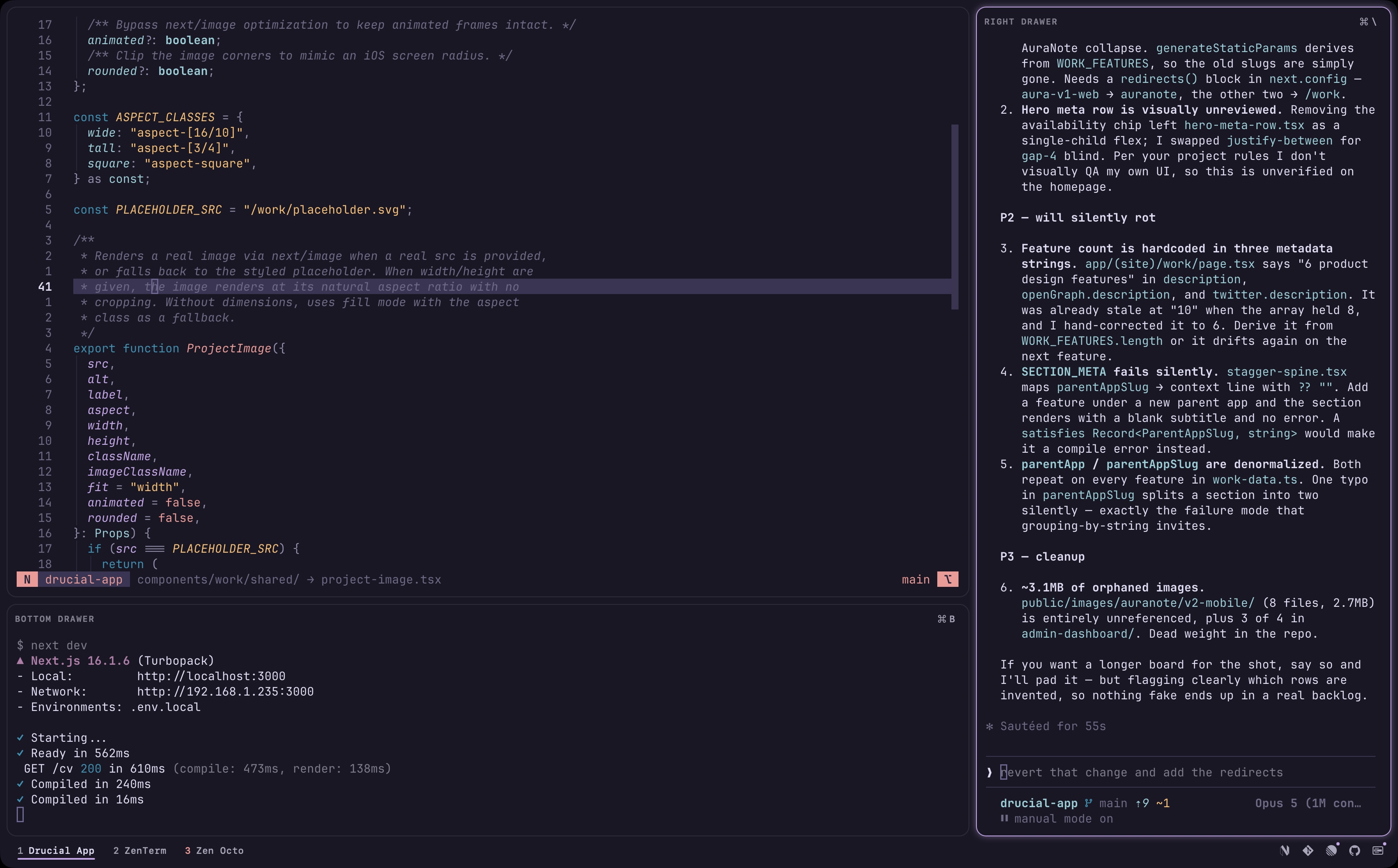
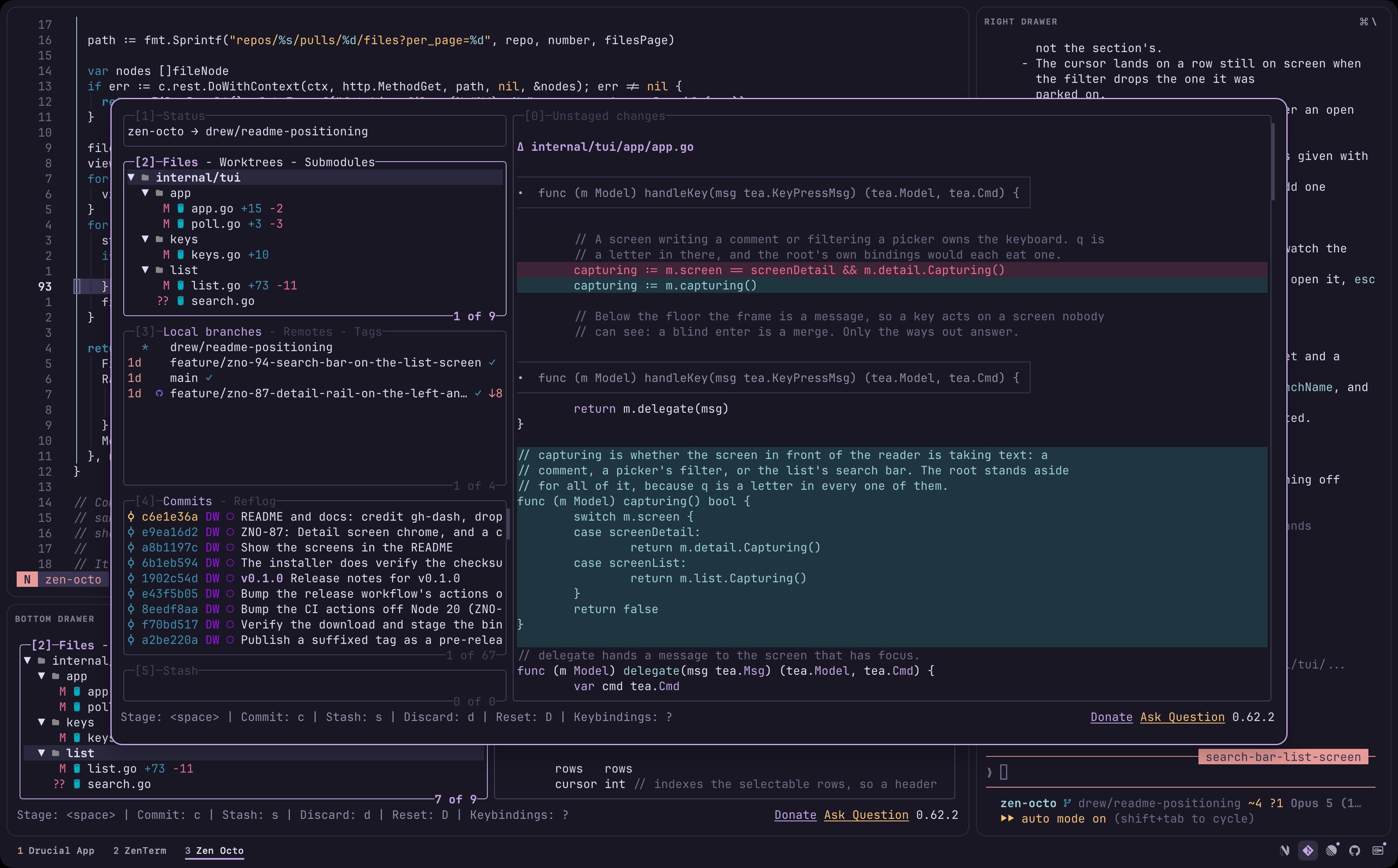
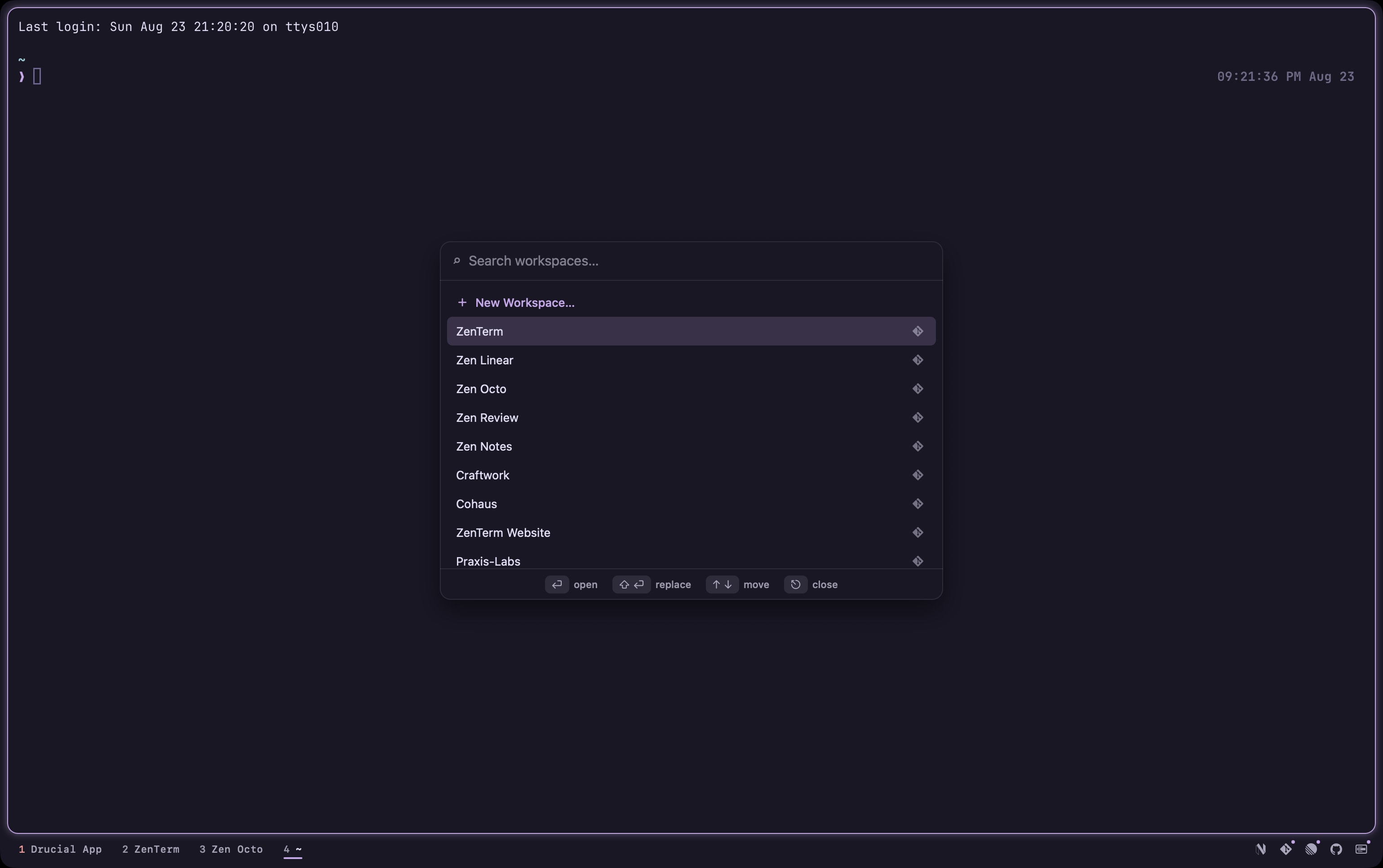
ZenTerm: Dev-first macOS terminal for managing projects in workspaces, with tools, drawers, and native worktrees
synopsis
- status
- ◐ beta
- platform
- macOS 14+ · apple silicon
- built with
- swift · libghostty
- license
- MIT
figures
history
- v1.8.0 · ZenTerm now has a command-line client, `zen`, for driving the app from a shell, a script or an agent.
- v1.7.0 · ZenTerm can open workspaces on an SSH host, and the sidebar lists them.
- v1.6.0 · A workspace can open more than one tab now, and one form adds and edits it.
- v1.5.0 · Workspaces move up a level.
- v1.4.0 · Anything working out of sight can now ask for you.
- v1.3.0 · ZenTerm now has git worktrees built in.
- v1.2.0 · This release is about tabs: a tab can carry a name of your own, and sit where you put it.
- v1.1.0 · This release is about themes: forty-eight more of them, a chrome that holds its contrast in every one, and Neovim recoloring alongside the terminal.
- v1.0.0 · ZenTerm is open source.
- v0.10.0 · This release is about reading back through what a command printed.
- v0.9.0 · Scratch is a blank shell one chord away, over whatever you are working on.
- v0.8.0 · Come from Ghostty and ZenTerm should feel like home from the first keystroke.
- v0.7.0 · Read back through a pane without the trackpad.
- v0.6.0 · A diff viewer, built in.
- v0.5.0 · Terminal backgrounds can go translucent, workspaces reorder from Settings, and closing a pane no longer leaves its background jobs running.
- v0.4.0 · Two cursor shaders you can turn on from Settings, and a terminal that keeps its sharpness when you move the window to another display.
- v0.3.0 · The window gets its buttons back, zoom becomes Focus Mode with Fill Screen beside it, and you can check for updates yourself.
- v0.2.0 · ZenTerm now updates itself.
- v0.1.0 · The first public build of ZenTerm.
- v1.8.0 · ZenTerm now has a command-line client, `zen`, for driving the app from a shell, a script or an agent.
- v1.7.0 · ZenTerm can open workspaces on an SSH host, and the sidebar lists them.
- v1.6.0 · A workspace can open more than one tab now, and one form adds and edits it.
- v1.5.0 · Workspaces move up a level.
- v1.4.0 · Anything working out of sight can now ask for you.
- v1.3.0 · ZenTerm now has git worktrees built in.
- v1.2.0 · This release is about tabs: a tab can carry a name of your own, and sit where you put it.
- v1.1.0 · This release is about themes: forty-eight more of them, a chrome that holds its contrast in every one, and Neovim recoloring alongside the terminal.
- v1.0.0 · ZenTerm is open source.
- v0.10.0 · This release is about reading back through what a command printed.
- v0.9.0 · Scratch is a blank shell one chord away, over whatever you are working on.
- v0.8.0 · Come from Ghostty and ZenTerm should feel like home from the first keystroke.
- v0.7.0 · Read back through a pane without the trackpad.
- v0.6.0 · A diff viewer, built in.
- v0.5.0 · Terminal backgrounds can go translucent, workspaces reorder from Settings, and closing a pane no longer leaves its background jobs running.
- v0.4.0 · Two cursor shaders you can turn on from Settings, and a terminal that keeps its sharpness when you move the window to another display.
- v0.3.0 · The window gets its buttons back, zoom becomes Focus Mode with Fill Screen beside it, and you can check for updates yourself.
- v0.2.0 · ZenTerm now updates itself.
- v0.1.0 · The first public build of ZenTerm.